Play Chess Now — quick online chess game
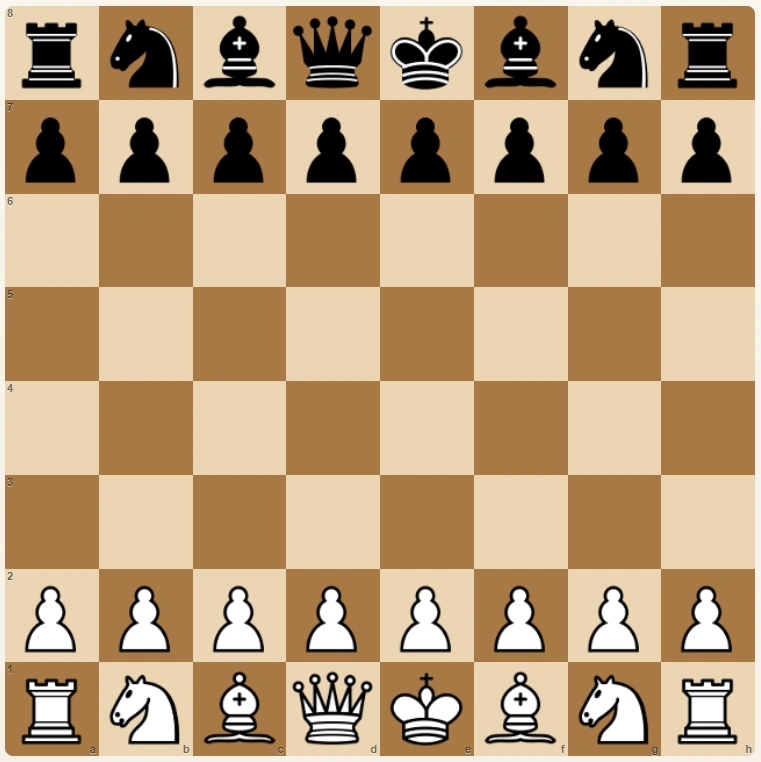
Want to start a game right away? Click the Chesswood board and go straight to online play with a suggested opponent.Quick online chess on Chesswood
StartCLICK — quick game. Click the chessboard and go straight to a game with a suggested opponent.
Quick play on our portal lets you start a game immediately in online chess mode. It is a simple option for anyone who wants to play right away and enjoy chess even when there is no partner nearby ready for a game.
You open the board, choose how you want to play and begin without unnecessary waiting. Chesswood helps you find an opponent quickly, so online chess is available whenever you feel like playing.
This page is for people who search for “play chess now” because they do not want long instructions or hidden options. The goal is simple: see the board, click and start a game.
How to start playing chess now
StepsThe shortest path is very simple. Click the chessboard, go to the game and choose how you want to start: quick matching, a PvP room, or joining an available lobby game.
- Click the Chesswood chessboard at the top of the article.
- Go to the game board on Chesswood Play.
- Choose quick matching, create a PvP room or join a visible game.
- Start the game and make your first move.
That is why the “Play Chess Now” page should not distract the user. The most important path leads to the game first, and only then to training, education and analysis.
Create a PvP room and invite a friend
PvPIf you want to play with a friend or a specific person, use the option to create a PvP room. After creating the room, you can send an invitation and start the game without manually searching for an opponent.
This is useful when you have arranged a quick game with someone or want to test your skills against a person you know. The flow is clear: create a game, invite the other player and play.
You can also stay in the lobby. Another user can choose you and invite you to a game. Chesswood therefore works both for people who already have a playing partner and for those who are still looking for one.
Invitations, suggested opponent and lobby
LobbyIn the lobby you can see the available ways to begin. If you want to play with a specific user, use “Invite to game”. The invitation goes directly to the player you want to challenge.
If you do not have a chosen opponent, use the suggested opponent option. The system searches for a player for you and helps you start a game faster.
At the bottom of the lobby you may also see available games. When “Join” appears, you can enter the game without creating your own room and without extra waiting. It is one of the simplest ways to play chess online quickly.
Game replays help you improve
AnalysisQuick play is fun, but after the game it is worth looking back at your moves. Replays help you understand when the game changed, where you lost a piece, or when a better attack was possible.
You do not need to analyse everything like a tournament player. Watching a few key moves and remembering one lesson for the next game is enough. In this way, quick play becomes real practice.
After a quick game, continue learning
EducationChesswood does not end with one game. If you want to understand chess better after playing, continue with education and learn the board, the pawn, the knight and basic tactics.
The best path is simple: play a game, watch the replay, take one lesson and return to the next game. That turns quick online chess into more than a single moment of entertainment.
Play chess now on Chesswood
Click the chessboard at the top of the article and go straight to the game. To explore the full portal, visit online chess.