How to Play Chess Online
Online chess lets you start a game without installing software or dealing with a complicated setup. Open the game in your browser, choose a mode and begin playing.
On Chesswood the modes are clearly separated: computer / AI belongs to level-based training, the lobby is for a suggested opponent or another user, and PvP lets you create a private room for a friend.
What is online chess?
OnlineOnline chess means playing chess through the internet instead of sitting at a physical board. You can play on a computer, tablet or phone while the game happens on a digital board.
For beginners it is a convenient way to enter a game quickly, test moves and learn the rules step by step. For returning players it is an easy way to get back to practical play without extra barriers.
How do you start playing?
StartThe simplest path is short: open Chesswood Play, go to the game and choose a mode. You do not need to download an app or create an account to understand how the portal works.
- open online chess in your browser,
- choose lobby, training or PvP,
- play a game and return to learning if you want to improve your moves,
- use articles and training when you want calm progress.
Online play and training in one system
ChesswoodChesswood connects quick online play with education. You can start a game, then return to training to practise your decisions calmly on the board.
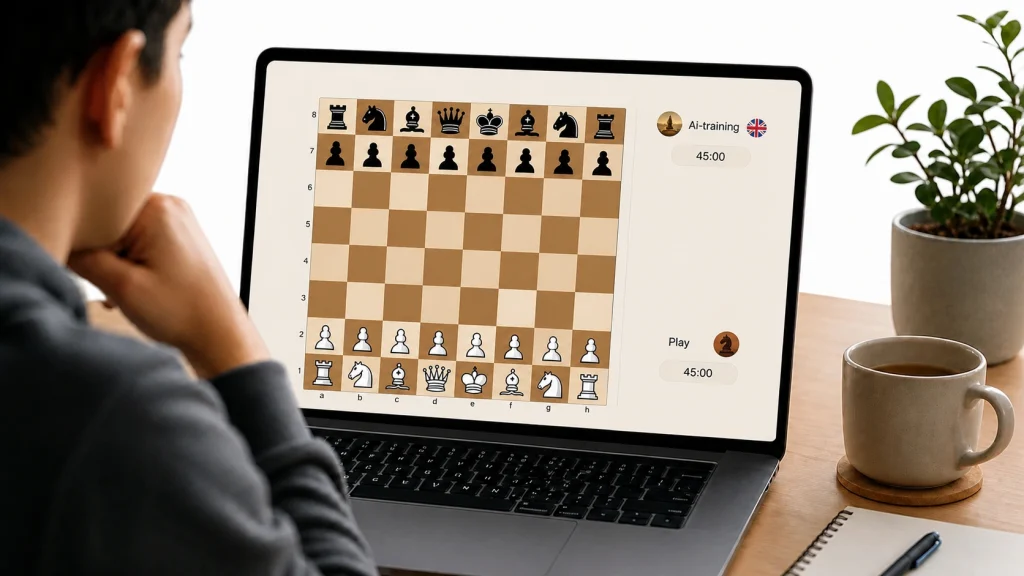
Types of online play on Chesswood
ModesTo keep the article accurate, we separate three situations. We do not describe the lobby as computer play, and we do not say that quick play automatically starts an AI game.
Which mode should you choose?
TipIf you are learning the basics, start with computer training. Levels help you move gradually through harder tasks without pressure. If you want a quick game, choose the online lobby with a suggested opponent. If you want to play a specific person, create a PvP room and send an invitation.
This separation helps beginners understand where to train, where to play other users and how to invite a friend.
Start playing chess online
CTAOpen the game, choose a mode and begin. You can play online, train with the computer through levels or create a PvP room for a friend.